In the previous installment of our Room Kit Pro G2 blog series, we discussed how we redesigned the rack mount box for sustainability without compromising performance. In this second article, we dive deeper into how the device helps IT remove device management hurdles.
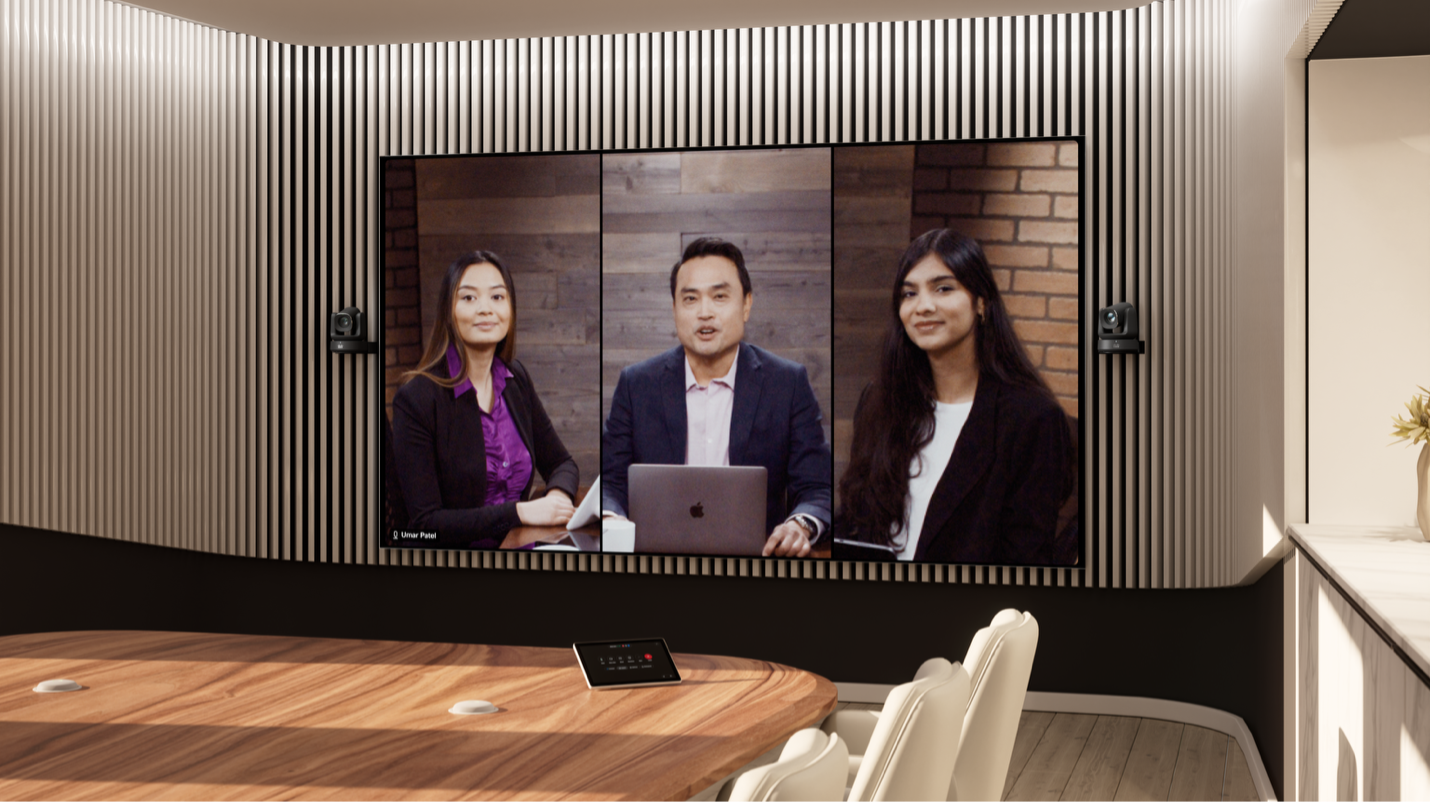
Today, every meeting room, including large conference rooms and other high-impact spaces, is now mission critical, needs to support multiple platforms, power experiences must feel cinematic, and above all, it must scale. This shift didn’t just require an upgrade but made us challenge traditional technology approaches to large-room collaboration.
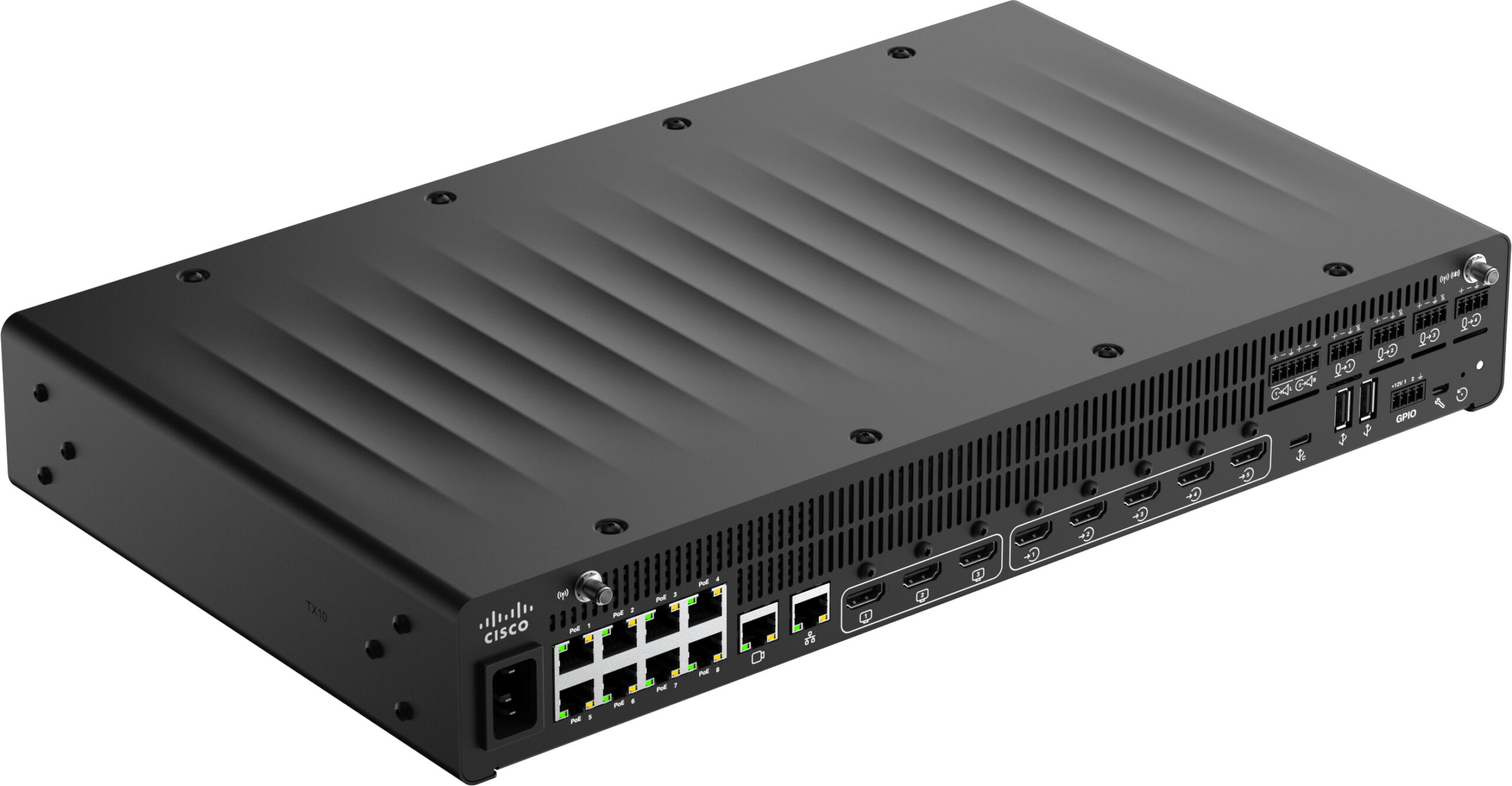
Announced at ISE and Cisco Live EMEA this year, the new Cisco Room Kit Pro G2 features:
- An open platform built for a true multi-platform reality.
- AI-driven cinematic experiences without custom programming.
- AV over IP orchestration handling modern PoE ecosystems instead of legacy peripherals.
- Simplified architecture that makes advanced rooms repeatable at scale.
Where the previous-generation Room Kit Pro mastered complexity, the G2 masters simplicity and scale. Where the Room Kit Pro enabled customization, the G2 unleashes connected intelligence. And where the Room Kit Pro powered the most important room in the building, the G2 assumes that every room is the most important.
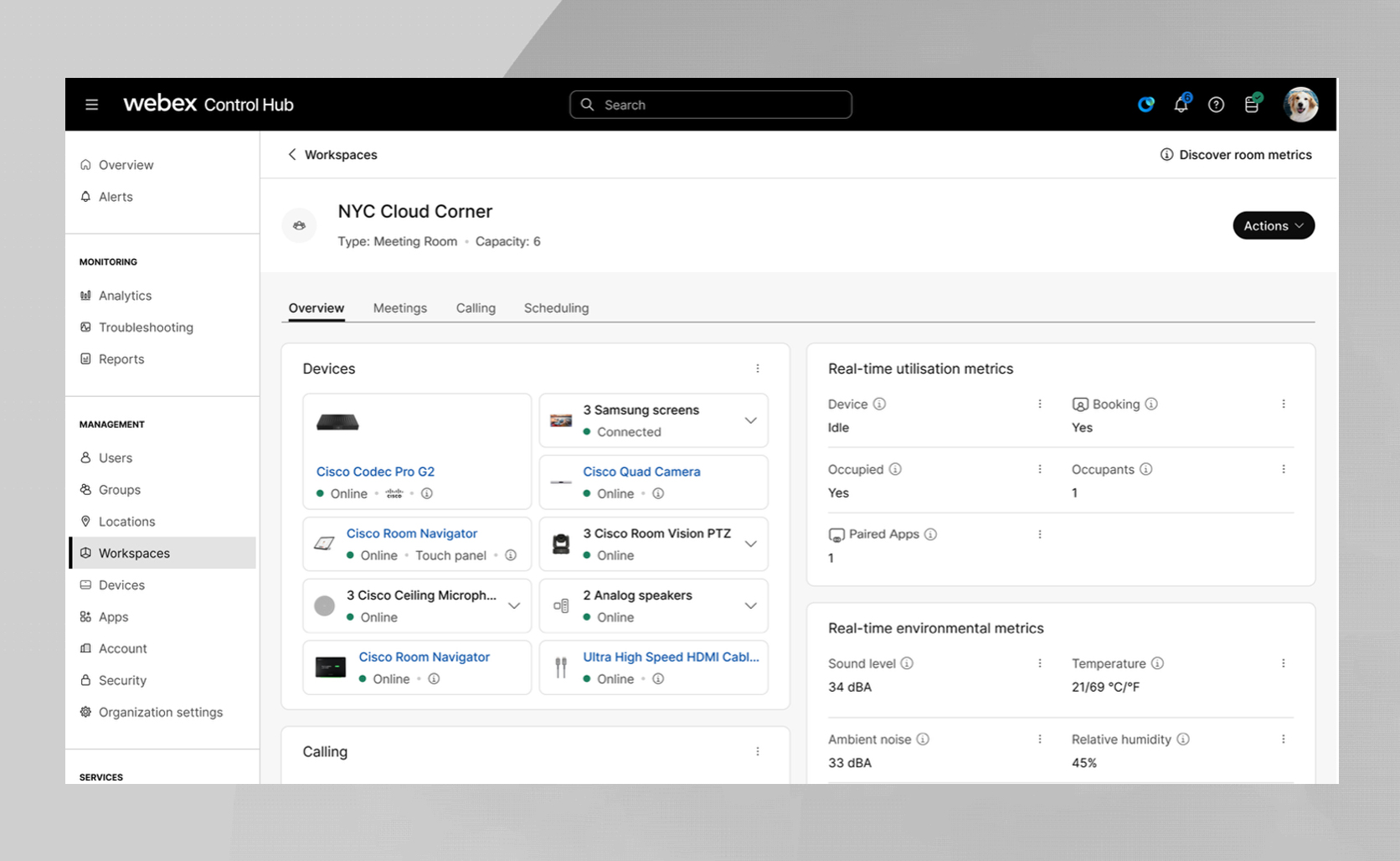
At the same time, we’ve seen that workspace manageability is no longer just a feature—it is a defining principle for IT and AV professionals. The ability to remotely monitor, diagnose, and manage devices is the backbone of operational efficiency. At Cisco, we built the Room Kit Pro G2 with this reality at the forefront of our design, ensuring that it integrates seamlessly with Webex Control Hub.
The Four Levels of Manageability
Not all manageability is created equal. Simply knowing a device is “connected” is a far cry from having the power to modify its status, settings, or firmware. I categorize manageability into four distinct levels:
- Visibility: I can see that a device is connected.
- Identification: I can see that it is connected and identify exactly what the device is.
- Status and Settings: I can monitor the device’s current status and view applied configurations.
- Active Management: I can proactively modify settings or push software updates remotely.
Historically, technological limitations have created “blind spots” such as analog audio, where standard cables lack the intelligence to report status, or third-party cameras that may lack full integration. At Cisco, we are determined to close these gaps and here are three examples of how Room Kit Pro G2 implemented manageability from design.
1. Advanced Analog Audio Visibility
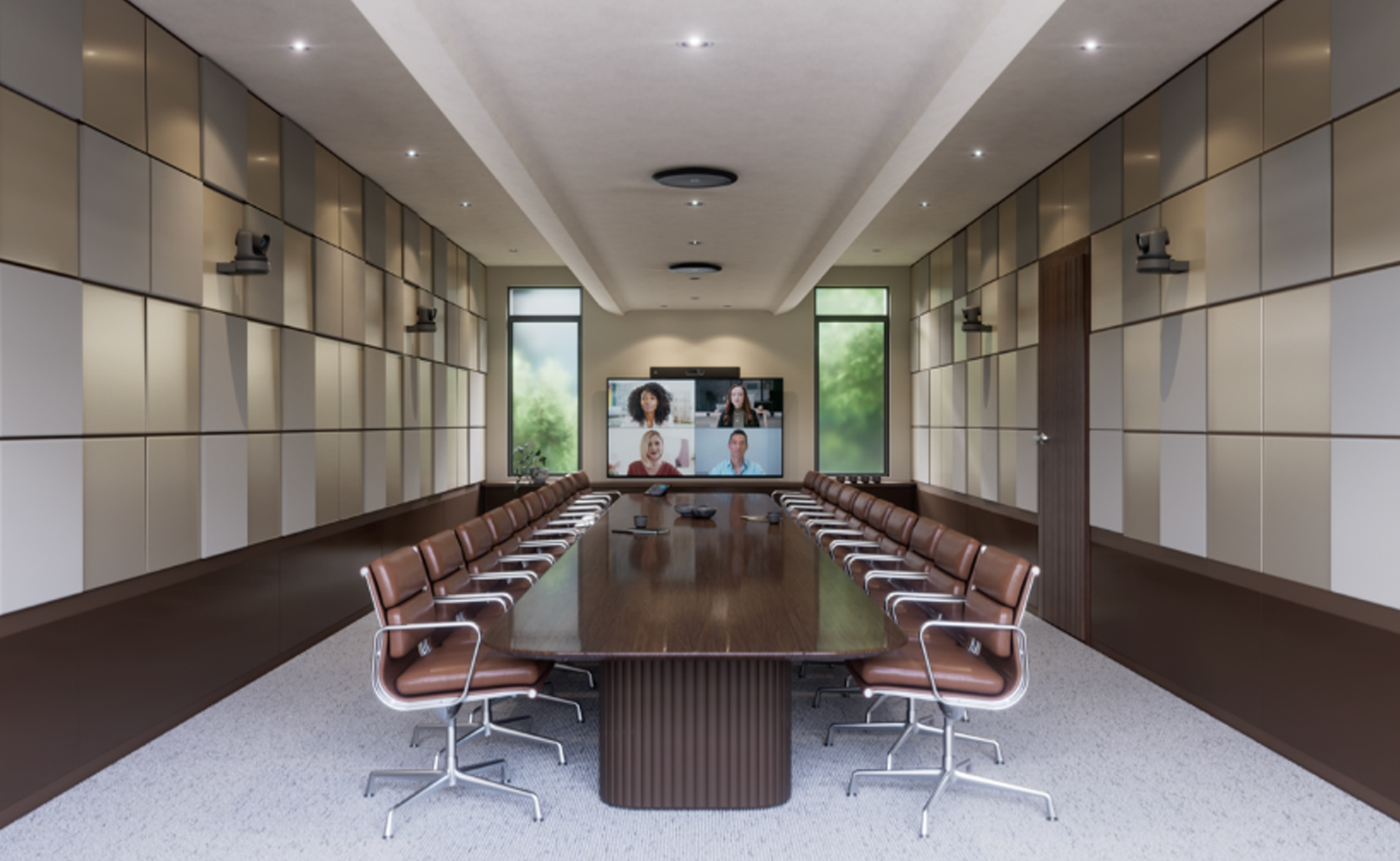
When we integrated Euroblock/Phoenix connectors into the new Codec Pro G2 compute, we recognized a common industry challenge: standard analog interfaces cannot electronically report if a microphone is connected. If a microphone is muted, it is often impossible to tell if it has been disconnected or simply silenced.
To solve this, we designed our own plug-detect technology. This allows the compute device to detect when a cable is physically connected to the port, regardless of the external device’s state. This extra layer of visibility allows IT admins to instantly distinguish between a disconnected cable and a muted microphone, drastically simplifying maintenance in complex audio systems.
2. Cisco-verified display Identification
Third-party displays often share information via HDMI CEC, but the quality of that data varies wildly between brands and models. This is why we made robust CEC communication a core requirement of our Cisco Device Certification Program.
When you use certified screens, Control Hub provides deep insights: you can see exactly which display is connected, its current status, and its active resolution. This consistency ensures that IT teams can apply settings with confidence, resulting in a superior user experience and better power management across the board.
3. Smart HDMI Cables
A common frustration for facility managers is the “black screen” scenario: Is the display off, or is the HDMI cable faulty? Previously, this required a physical site visit for manual troubleshooting.
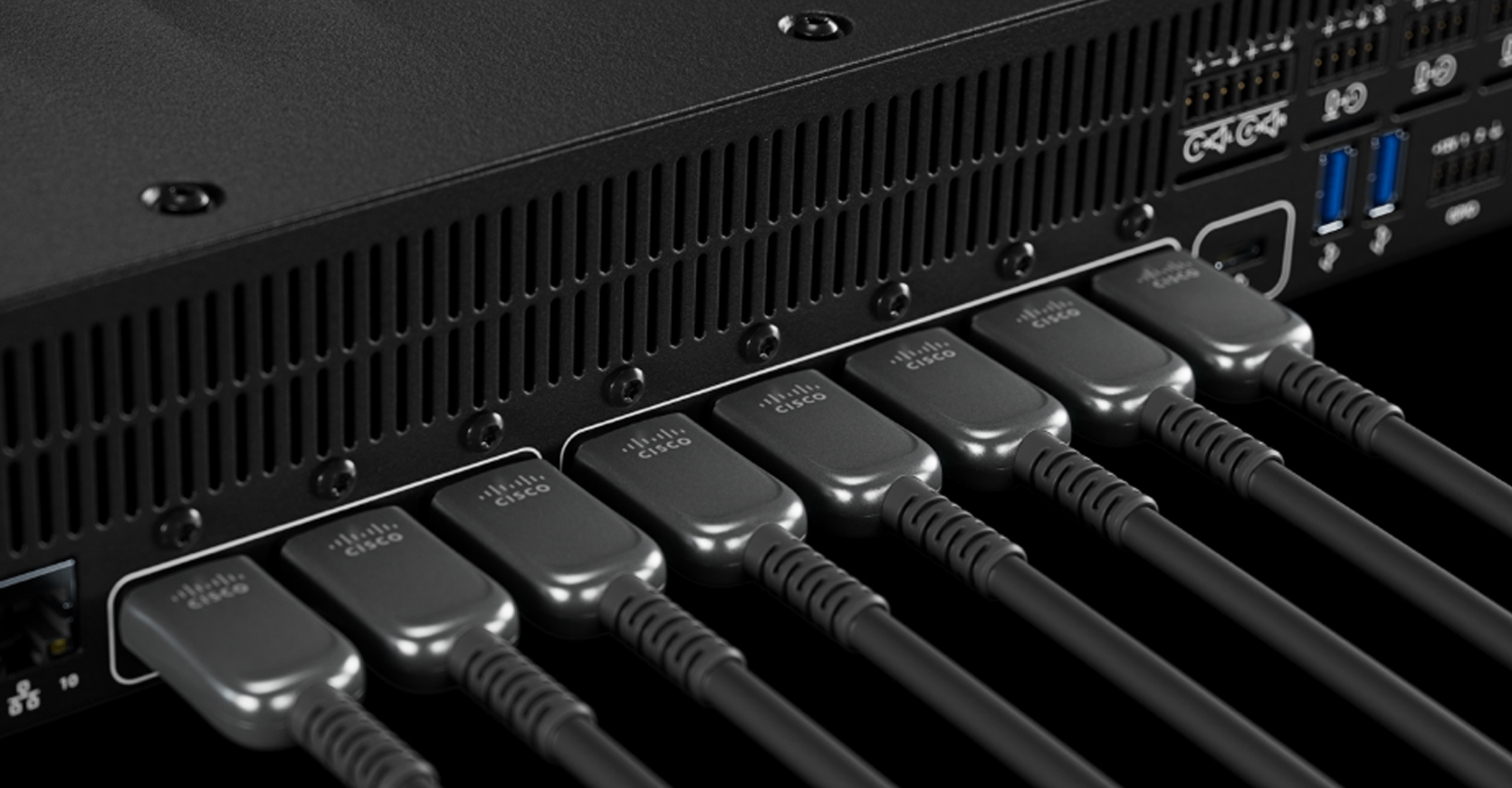
Our new, up to 20-meter-long Ultra High Speed HDMI™ Cable by Cisco series is not just built based on HDMI 2.1 standards, supporting resolutions up to 8K at 60fp and 48 Gbps bandwidth but these cables are also custom-engineered to carry diagnostic data back to the codec. We use this information to verify that the cable is connected, identify the specific cable type, detect when a cable is daisy-chained or wrong orientation, and confirm that it is functioning within parameters. By combining this with display status data in Control Hub, you can pinpoint exactly where a failure is occurring without ever leaving your desk.
The Future of Managed Spaces
At Cisco, we believe that the best technology is the kind that stays out of your way while providing total control. By bridging the gap between hardware and software, the Room Kit Pro G2 and Control Hub empower IT and AV teams to move from reactive troubleshooting to proactive management, removing blind spots from modern meeting room deployments.
Learn more:
Cisco Collaboration Device announcements from ISE 2026
About The Author