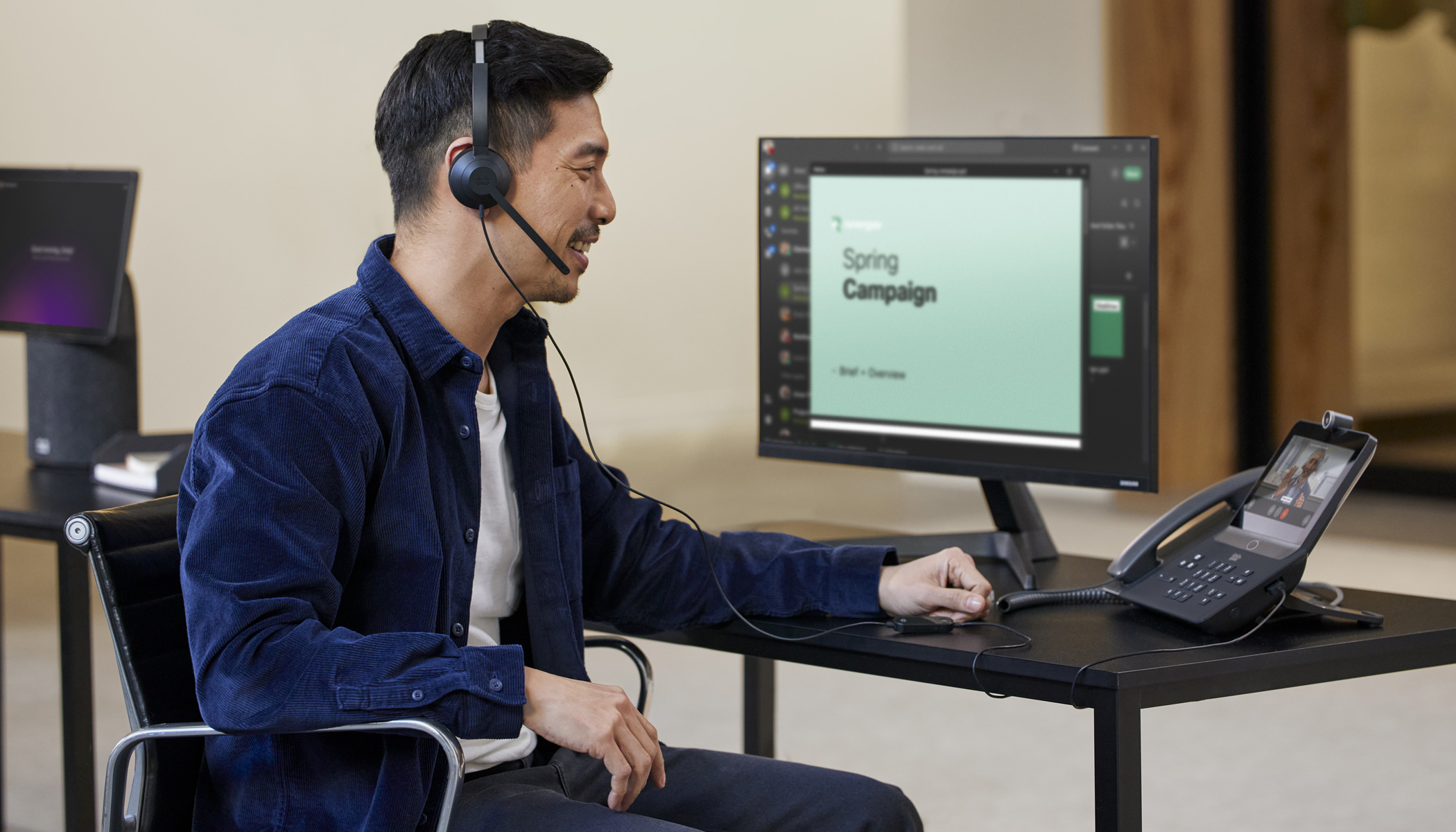
Employees who spend much of their day in back-to-back conversations often struggle to keep accurate records. Manual note-taking can lead to incomplete information, missed action items, and time spent documenting conversations instead of focusing on meaningful work or engaging with customers.
Cisco AI Assistant for Webex Calling solves this by capturing a full transcription and generating a concise call summary. The AI highlights key points, notes, and action items so employees can quickly review what happened. These insights are available during or after the call and can be shared during transfers, making it easy to recall details and follow through on next steps.
Instant Summaries, Zero Note-Taking
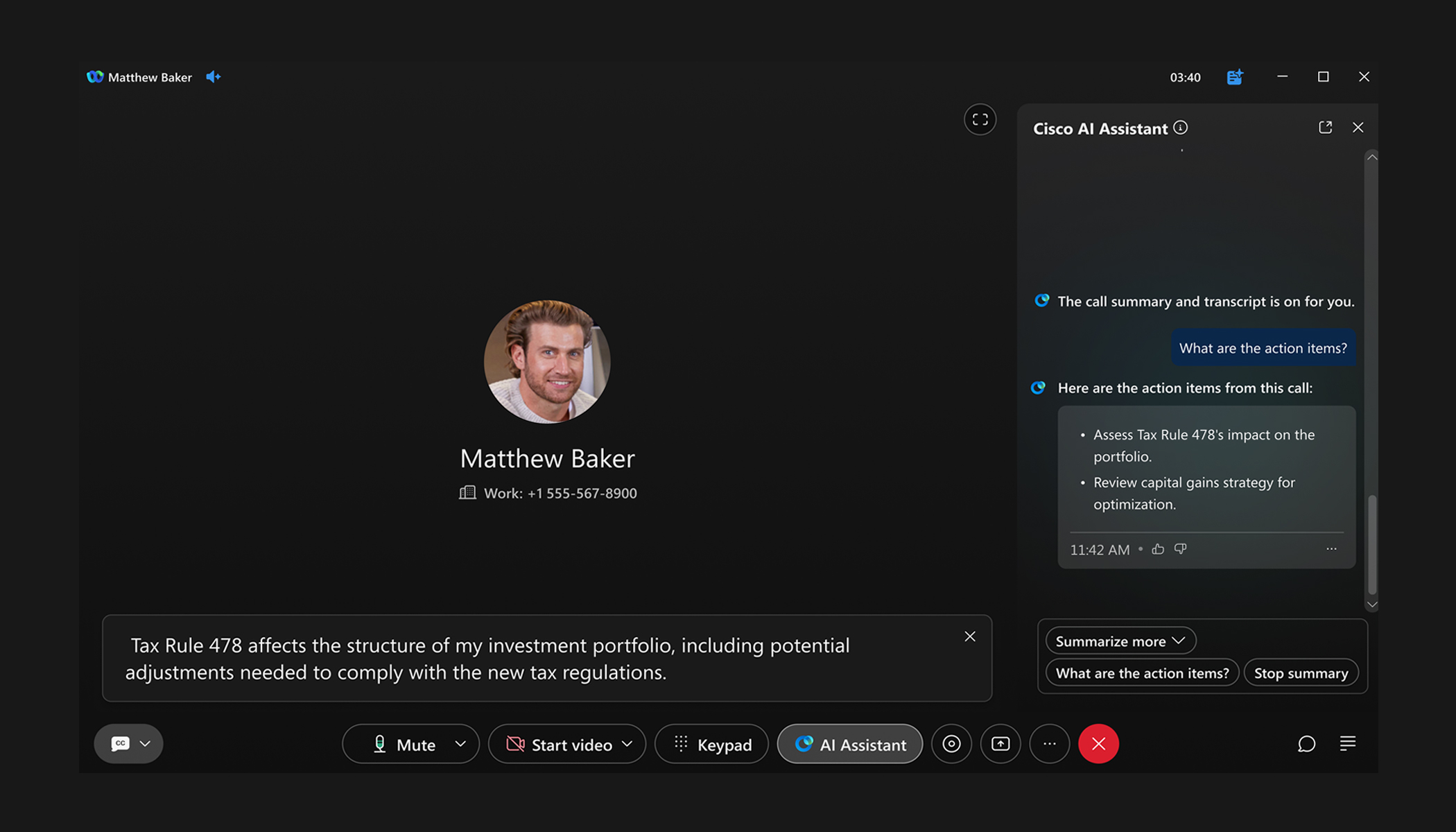
AI Assistant can be activated during a live call with a single click. There are no interruptions and no waiting. You stay focused on the conversation while AI captures what matters.
Live summaries appear alongside the call window and can be popped out and moved anywhere on your desktop for a more flexible viewing experience. Once you’ve activated AI Assistant, you can easily:
- Summarize the call: Get a real-time summary of the discussion as it happens.
- List action items: Instantly see key tasks and follow-ups identified in the conversation.
Post-call Summaries
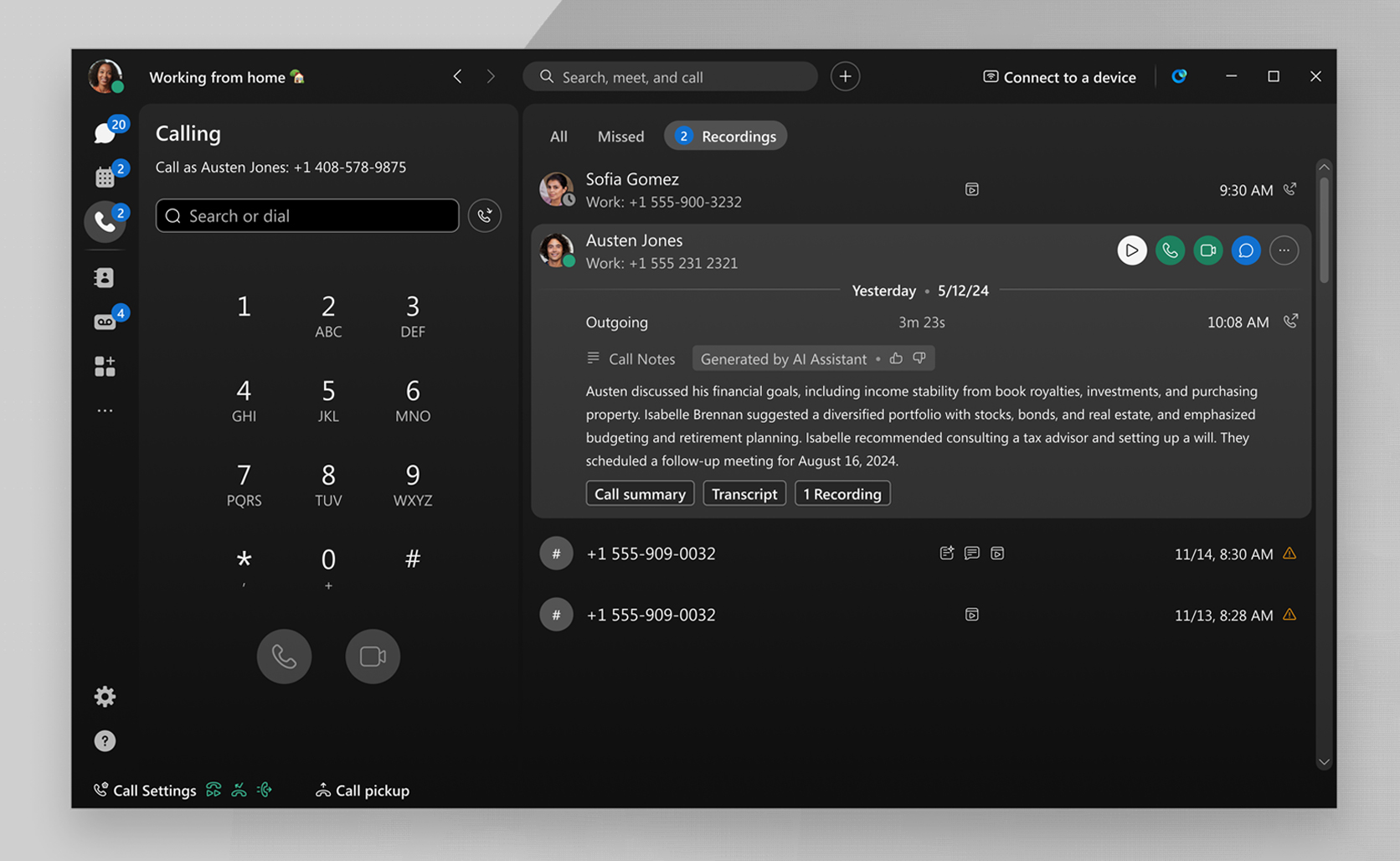
After your call, you’ll receive a notification as soon as your summary, transcript, and action items are ready. You can access this content directly within the Webex app, making it easy to review key details, confirm next steps, and stay aligned without needing to revisit the full conversation.
Calls that use AI Assistant are clearly marked in your call history, so you can quickly find and revisit important interactions. With everything organized and accessible in one place, it becomes easier to stay on top of follow-ups, maintain context across conversations, and ensure nothing is missed.
Smarter Transfers, Less Caller Frustration
One of the most frustrating experiences for callers is having to repeat information during a transfer. AI Assistant for Webex Calling removes this friction by capturing a live summary that can be shared automatically with the next recipient, ensuring the conversation continues without interruption.
A brief summary appears in the incoming call notification before the recipient answers, providing immediate context. Once the call is connected, the full summary, including notes and action items, is available in the Webex app, enabling a seamless handoff and faster resolution.
Transform Every Call with AI
Cisco AI Assistant for Webex Calling makes every conversation more productive. It eliminates time-consuming tasks like manual note-taking, improves accuracy, and ensures important details are never missed. By automatically capturing insights, action items, and context, it enables employees to stay focused and deliver better outcomes at every stage of the caller journey.
AI Assistant for Webex Calling is now generally available to customers worldwide. More innovations are on the way, including AI Receptionist, Ask AI Assistant, Caller Intent, and Suggested Responses, further expanding how AI enhances calling experiences.
Ready to see it in action? Contact us to schedule a live demo and discover how AI Assistant for Webex Calling can transform your conversations.
Learn more:
About The Author