Your organization may already rely on Webex for collaboration or customer experience. But the quality of that investment is still shaped by the physical spaces where people meet, call, learn, and make decisions. When rooms are inconsistent, difficult to operate, or disconnected from the management model, even strong software experiences can break down at the moment people need them most.
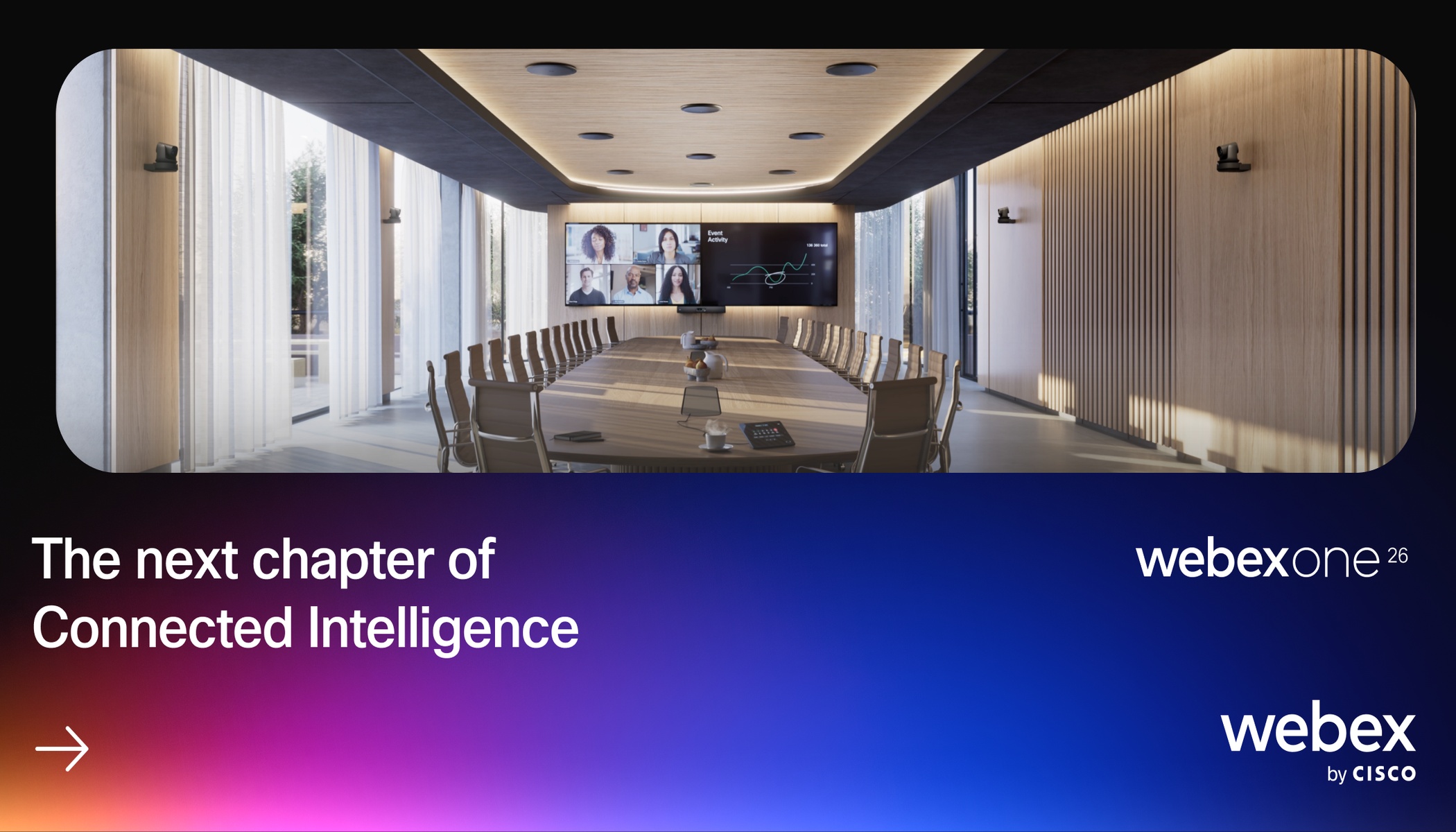
That is why devices are best evaluated in person. At WebexOne 2026, October 5–8 in Austin, you can see, touch, compare, and test Cisco devices across real room and workflow scenarios. The result is a stronger question than “Which hardware should we buy?” It is “How can the rooms and devices extend the Webex platform we already have?”
Design around the spaces people actually use
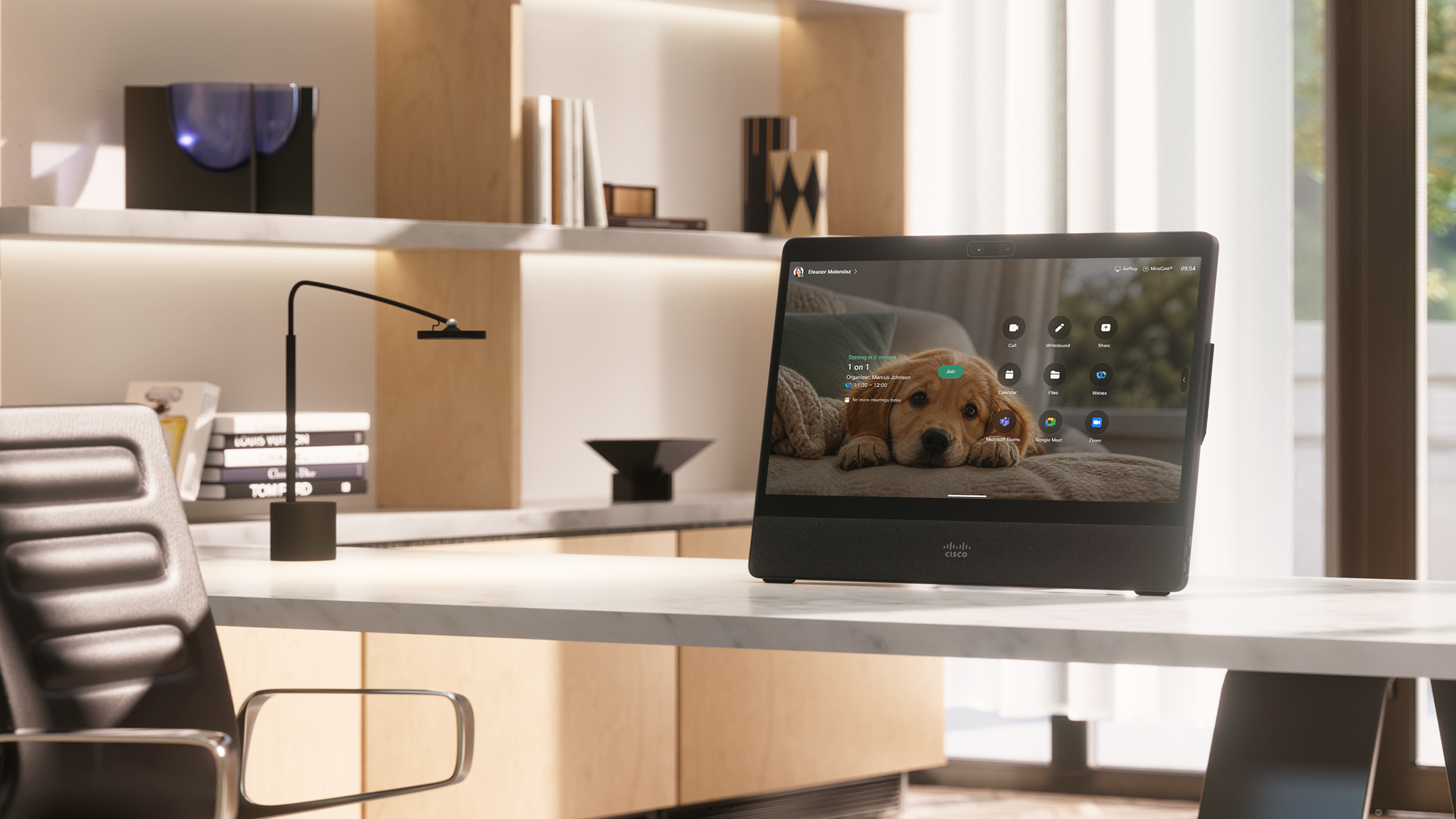
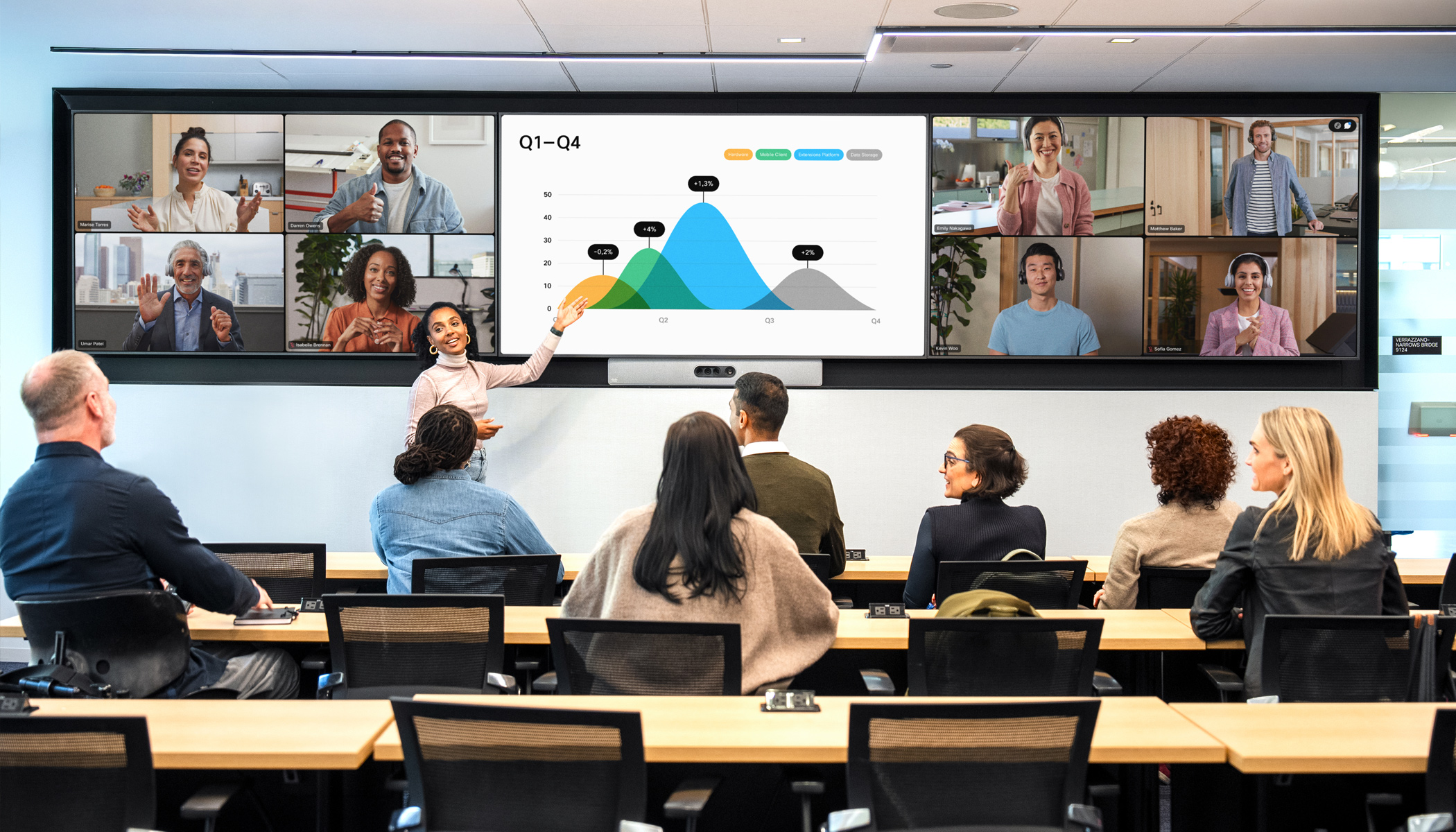
Start with continuity. How can you create a more consistent experience across desktops, meeting rooms, shared spaces, and customer-facing environments? How can Cisco devices simplify joining, improve meeting equity, support intelligent experiences, and give your IT team a common way to manage the estate?
See what the room experience feels like
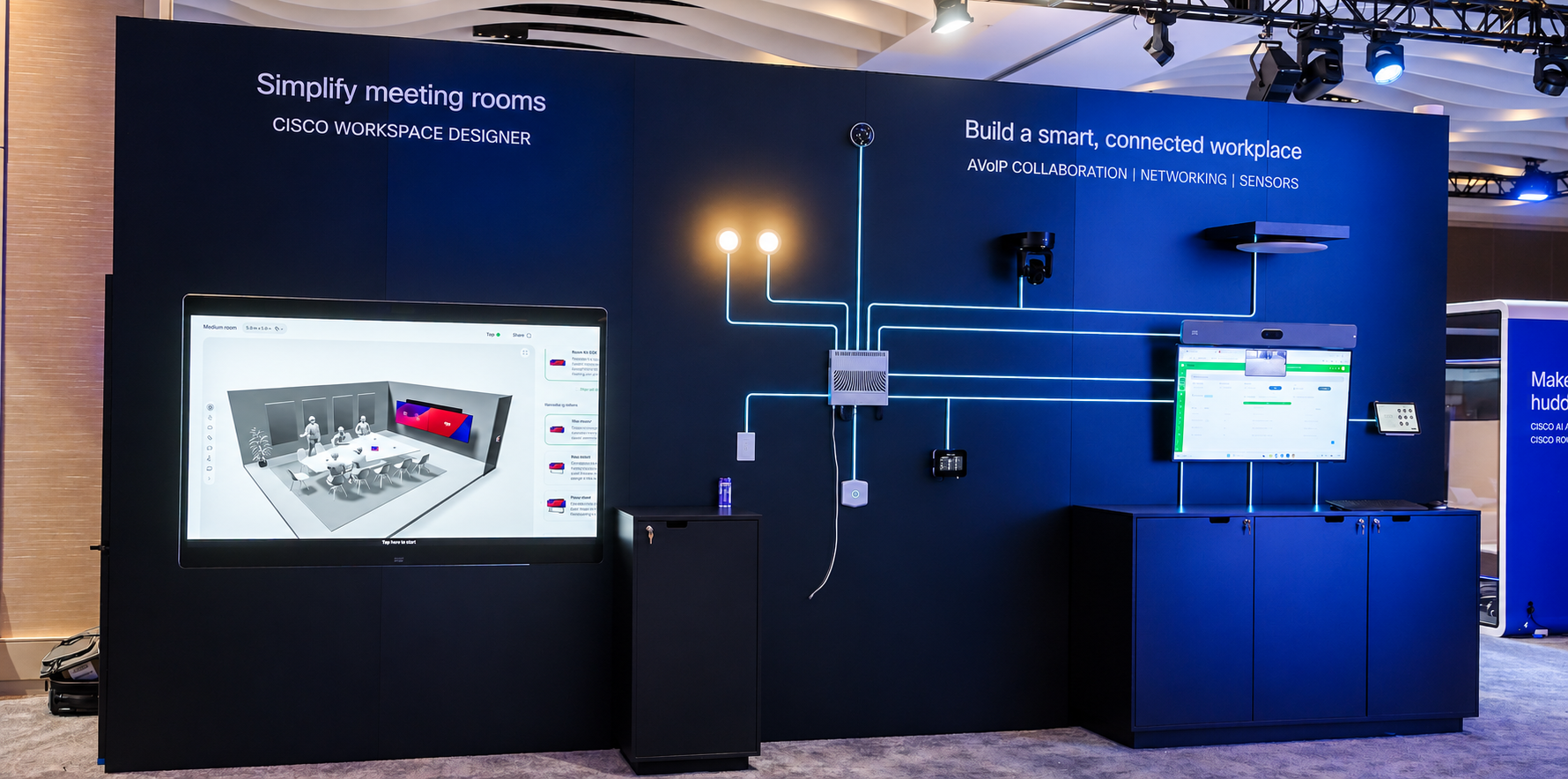
Specifications cannot fully answer whether a room feels easy to use. The show floor can. Use it as a room laboratory: compare room types, peripherals, cameras, audio, intelligent framing, and meeting workflows. Look at how quickly a device can be provisioned, how consistently a person can join, and how the experience changes across Webex, Microsoft Teams, Zoom, WebRTC, and bring-your-own-device scenarios.
A strong room standard has to work from several angles: the human experience, the use of space, the design and integration requirements, and the realities of fleet management, security, observability, automation, and support.
Explore the intelligent workplace from every angle
As you build your agenda, include a mix of session formats. Quick Takes offer a focused look at specific Devices and RoomOS capabilities, while breakout sessions give you more time to explore room design, interoperability, and management.
Featured sessions:
- The Fast Track to Smarter Meeting Rooms — Explore a more integrated approach to repeatable meeting rooms, including Room Kit Pro G2, IP cameras, audio peripherals, and simpler lifecycle operations.
- Future-Proofed Workplaces: Powering an AI-Ready Infrastructure — See how Cisco devices, RoomOS, and NVIDIA AI/ML support intelligent workplace experiences and provide IT with insights for prioritizing investment.
- Cisco Devices: One Room. Every Meeting Platform. — See how RoomOS supports Webex, Microsoft Teams Rooms, Zoom Rooms, and Google Meet while protecting your device investment.
- Face Off: A Race to Create Meeting-Ready Workspaces in Minutes — Watch a live unbox, provision, and join challenge that makes deployment simplicity and integrated design visible.
- Powering the Workplace with Agentic AI — See Translator, Notetaker, Director, and Workspace Advisor Agents working through Cisco devices to reduce workplace friction.
Explore the full WebexOne agenda →
Compare approaches to workplace design.
If you work in healthcare, financial services, government, or the public sector, consider joining an industry roundtable. You’ll hear how peers are approaching room standards, secure workplaces, frontline environments, and the practical challenges of managing devices across different locations and use cases.
Build the skills behind a scalable device strategy.
Once you have seen the experience in action, training can help you understand what it will take to design, deploy, and support it in your own environment. WebexOne classes and hands-on labs cover room design, interoperability, fleet management, customization, and troubleshooting. Consider these courses as you explore how Devices could extend your current Webex investment:
Recommended technical training.
- CLS-11092: Cisco Devices: More Than Collaboration—The Backbone of the Intelligent Workplace — Class | 60 minutes | Foundation — Establish the platform story for extending an existing Webex solution through intelligent spaces and devices.
- CLS-21029: Cisco Video Devices and RoomOS Interoperability—Latest Updates — Class | 120 minutes | Intermediate — Examine mixed-platform room requirements and one of the most common objections to standardization.
- LAB-21196: Workspace Designer: Building Smarter Spaces and Custom Rooms — Lab | 120 minutes | Intermediate — Turn room requirements into a practical design exercise and compare options for different space types.
- CLS-11142: Master the Fleet: Optimized Operations of Cisco Video Endpoints via Control Hub — Class | 60 minutes | Foundation — Make management at scale concrete for your operations and support teams.
- CLS-31102: Troubleshooting Cisco Devices: Webex, MTR, Zoom, and WebRTC — Class | 90 minutes | Expert — Prepare support teams for the mixed-platform complexity they will encounter in real environments.
Explore the full WebexOne agenda →
Put rooms, devices, and workflows to the test.
The show floor gives you the chance to experience the details that are difficult to capture in a presentation. You can compare different room types, cameras, audio systems, intelligent framing, and joining experiences while seeing how Cisco Devices work across Webex, Microsoft Teams, Zoom, and other meeting platforms.
It may help to arrive with a few real spaces in mind, whether that is an executive room, huddle space, customer-facing environment, or a room that must support several meeting platforms. Product experts and partners can help you think through design, peripherals, network and security requirements, RoomOS customization, deployment, and ongoing management.
You can also learn a great deal from customers who have already standardized rooms or managed a large device estate. Their experiences can shed light on refresh cycles, mixed environments, support models, and the way workplace, AV, and IT teams divide responsibility.
By the end of WebexOne, you should have a clearer sense of which room experiences to prioritize, which standards could work across your organization, and what you want to test next. That is how Devices become more than a hardware purchase—they become an extension of the Webex experience you already offer.
If you’re joining us in Austin, use the agenda to plan around the rooms, workflows, and device questions that matter most to your organization. Choose the sessions and courses that fit your priorities, then leave time for hands-on demos and conversations with experts on the show floor.
About The Author