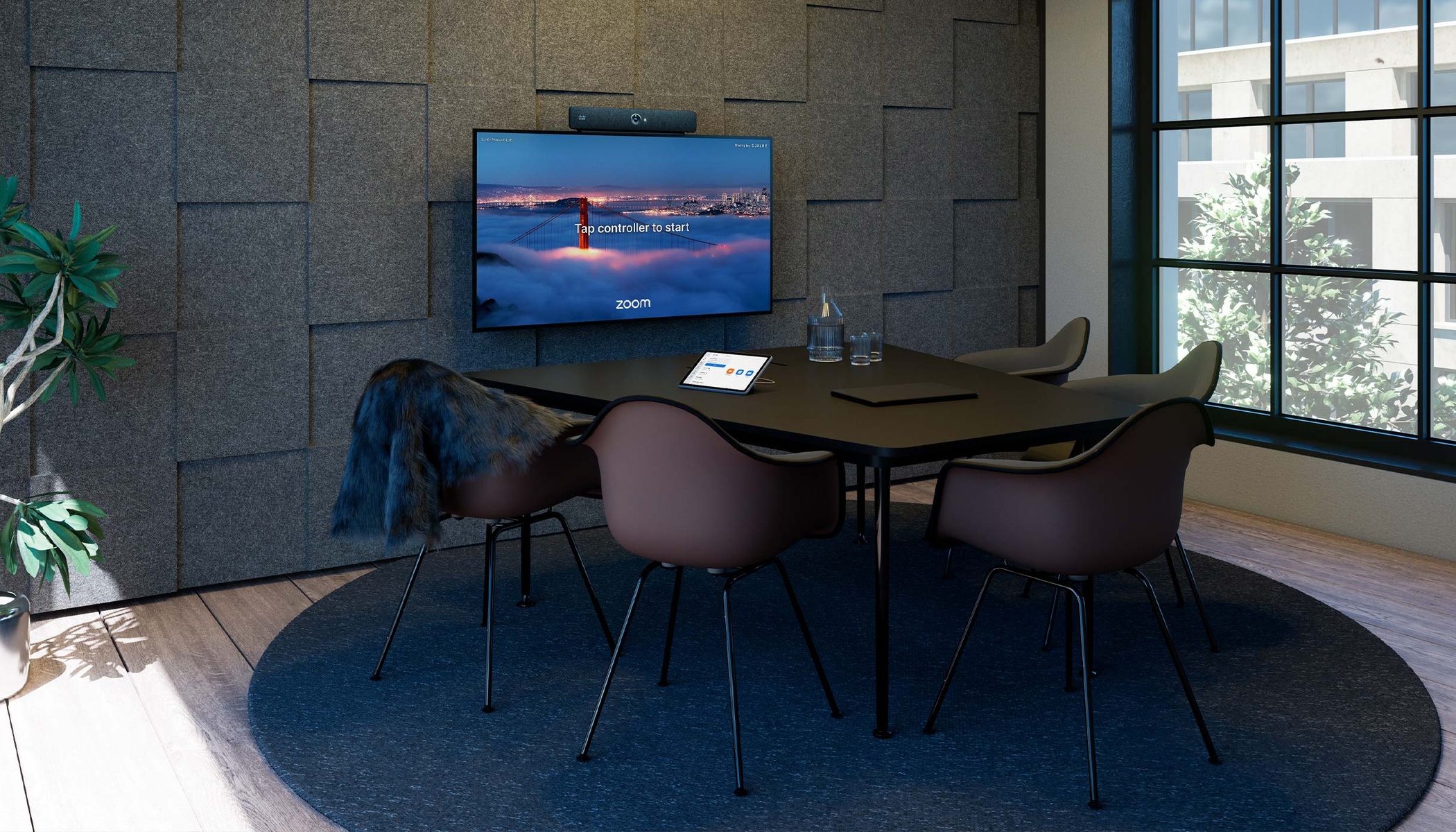
Earlier this year, we announced the next step of our partnership with Zoom to bring the native Zoom Rooms integration to our customers. This new option makes Cisco collaboration devices the perfect choice for organizations that have standardized on Zoom and want a Zoom-centric experience, home UI, and meeting features from the moment they walk into a workspace.
I’m excited to share that the time has come: you can now bring the native Zoom Rooms experience to supported Cisco collaboration devices. Generally available from the October 2026 RoomOS release, you can deploy the familiar Zoom Rooms home screen and meeting experience on Cisco hardware, augmented by on-device Cisco camera and audio intelligence, and device management capabilities.
Let me break down why this is so important:
- Customers gain a new way to bring their meeting platform and room technology together. Employees can walk into a room designed around Zoom, while IT and AV teams can choose Cisco video devices and peripherals that meet the needs of the physical space. For Cisco device customers, it creates an opportunity to protect and extend the value of the hardware they already own. And for organizations without a Cisco device deployment, this brings the freedom of choice to standardize on Zoom without compromising their choice of Cisco hardware.
- From a Cisco partner standpoint, the native Zoom Rooms integration on Cisco collaboration devices is significant because it expands the role Cisco hardware solutions can play in modern meeting environments, while creating new opportunities to expand, deploy and support Cisco collaboration solutions with their customers. As a Cisco partner, you can now pursue more opportunities with customers who use Zoom Rooms as their meeting platform and show the value of secure and trusted Cisco device technology to a wider range of customers and workplace refresh programs.
Our partnership with Zoom provides flexible ways to deploying meeting rooms at scale. Our 2026-27 IDC MarketScape-leading portfolio of purpose-built devices, workplace intelligence, and unified operational layer can help your team deploy faster and support that experience at scale. That way you can build workspaces around the way people work, not around the technology deployed.
The reasons to choose Cisco devices for Zoom Rooms become especially clear at enterprise scale: the breadth to serve different spaces, the operational capabilities to support an evolving deployment, and the edge-AI-powered camera and audio intelligence to help people participate wherever they join.
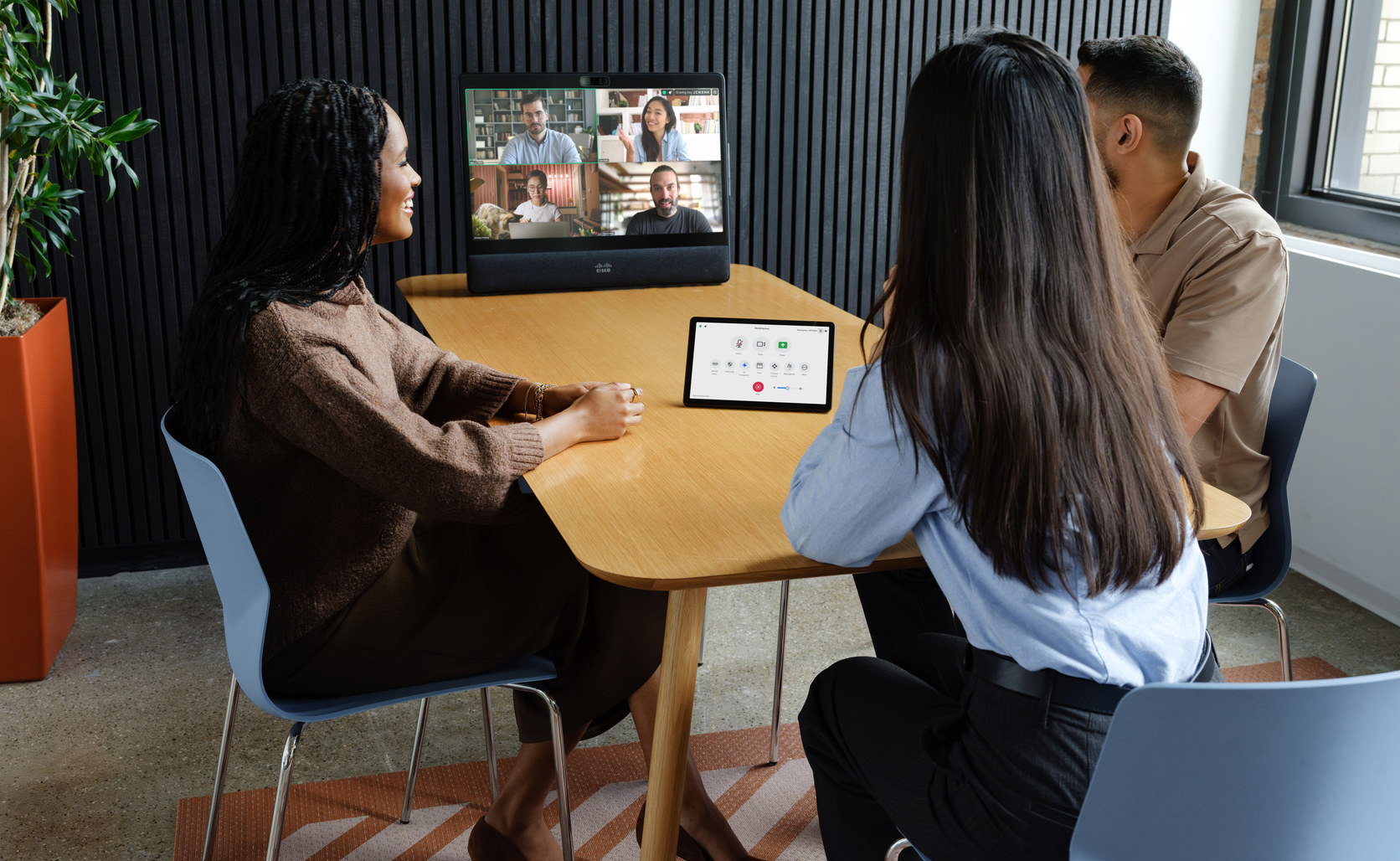
Zoom Rooms is now generally available on the following Cisco devices:
- Video bars: Room Bar for small rooms and huddle spaces and Room Bar Pro for medium-sized spaces.
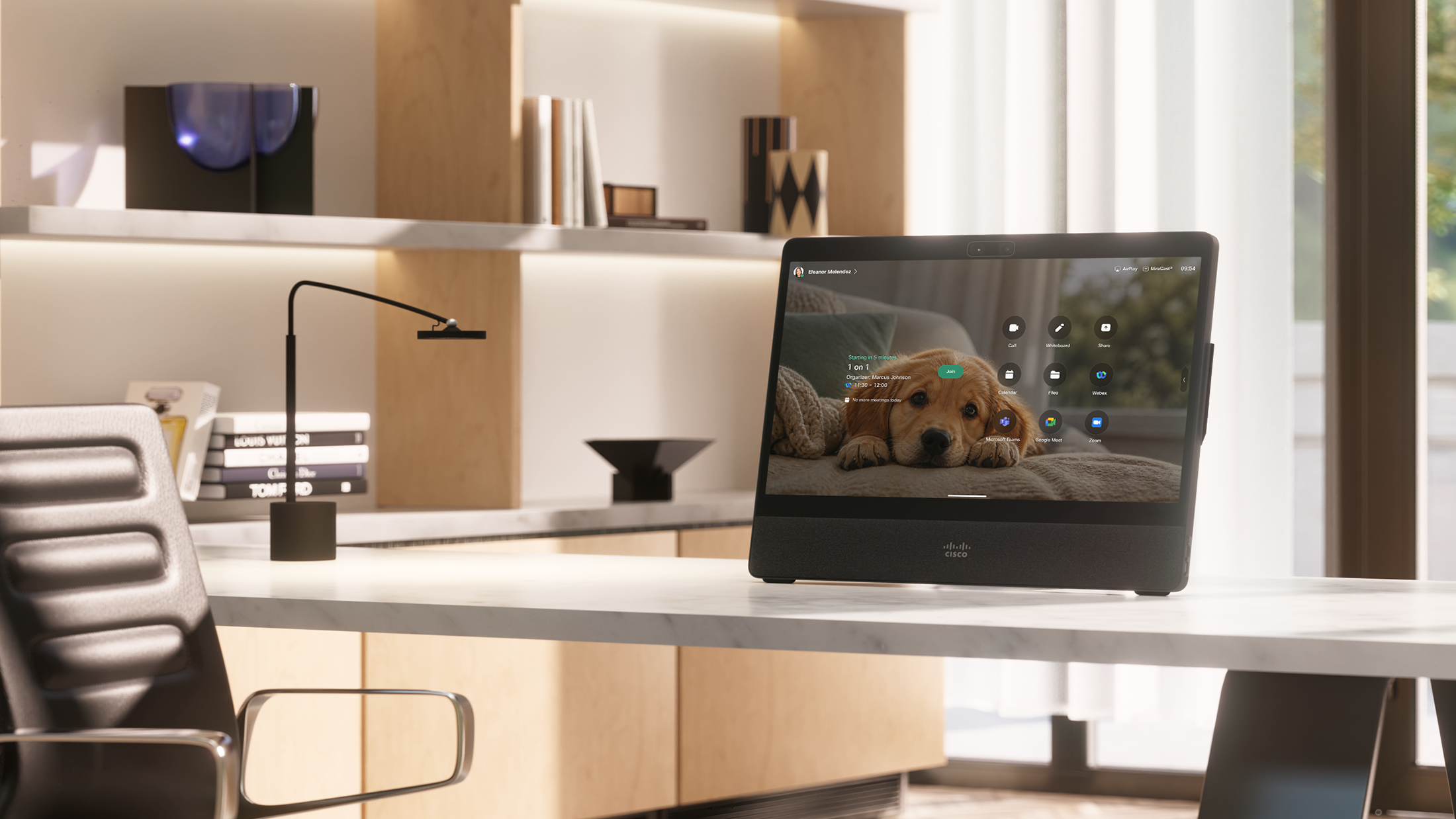
- All-in-one small-room devices: Desk Pro G2 (together with the first-generation Desk Pro) for huddle, focus, and desk spaces.
- All-in-one collaboration boards: Board Pro G3 for small and medium ideation spaces, flex spaces, and meeting rooms.
- Modular room kits: Room Kit EQ and Room Kit Pro G2 (together with the first-generation Room Kit Pro) for large rooms, boardrooms, training rooms, auditoriums, and divisible spaces.
- Integrated room kits: Room Kit EQX for large rooms, boardrooms, conference and training rooms.
The solution requires RoomOS 26.10 or later, a Zoom Rooms license, and registration to Cisco Collaboration Control Hub.
This latest native interoperability extends the deployment options that already support the full-featured Zoom Meetings application on the Cisco Rooms experience (Zoom for Cisco Rooms). You can read Zoom’s comparison for the feature differences between the two main deployment modes.
Make every space work for you
Portfolio breadth matters the most when equipping entire floor plans. All-in-one collaboration displays, such as the new Desk Pro G2, allow IT to create meeting-ready Zoom spaces in minutes. Cisco video bars bring simplified yet powerful Zoom video collaboration to everyday spaces, from the huddle to the medium meeting room. And collaboration touch boards bring the best of video conferencing, visual collaboration, and agentic workflows combined with all-in-one simplicity.
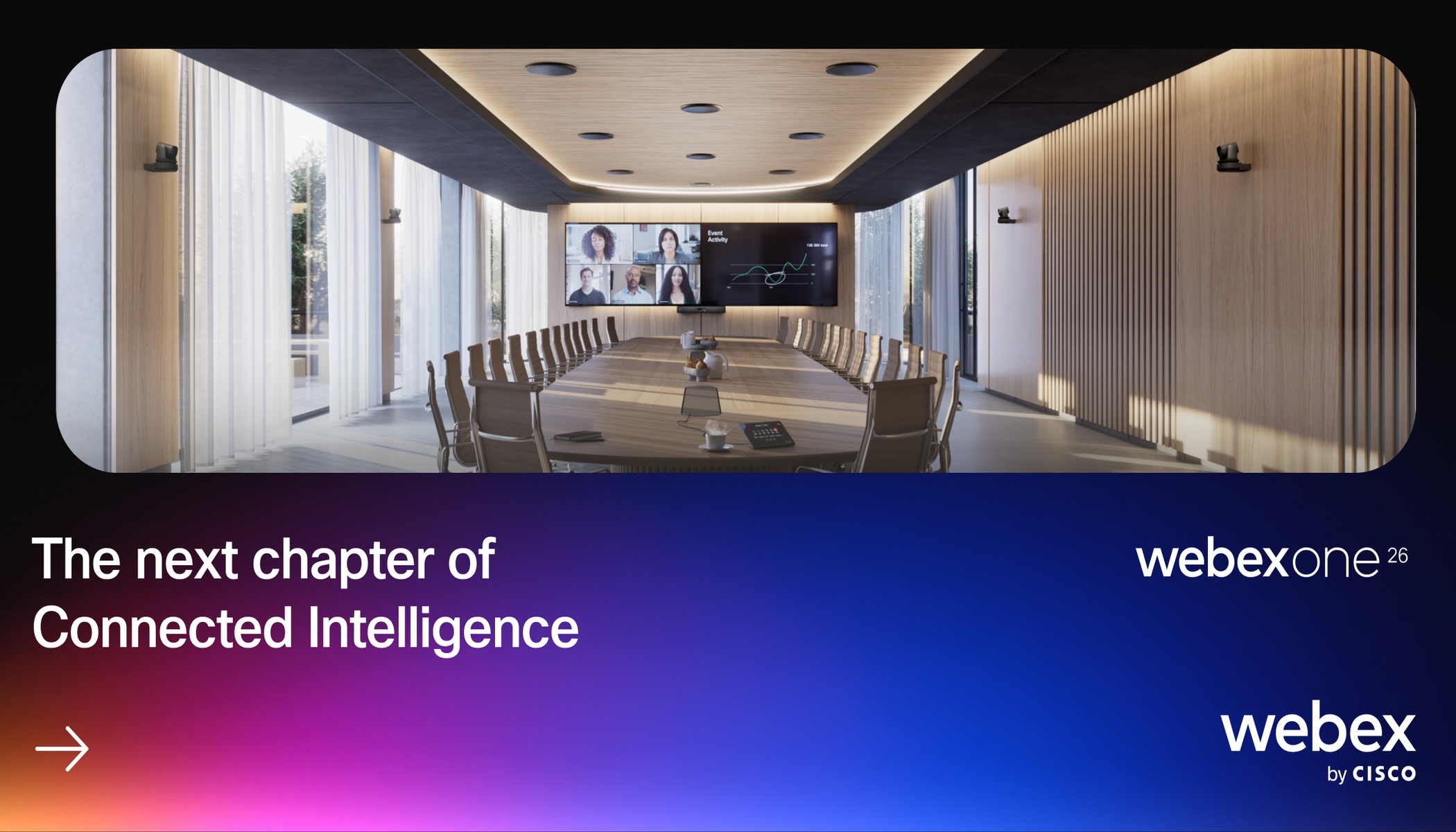
What happens when equipping more demanding spaces? Consider an extra-large conference room with a long table. A colleague at the far end starts speaking. Remote participants need a clear view and intelligible audio. People seated across the room also need to hear the contribution without asking the speaker to raise their voice.

- High-end room integrator solutions from Cisco provide the most powerful processing and connectivity for demanding room designs, combined with extended AVoIP orchestration. Cisco IP microphones bring adaptive voice capture, and work together with Cisco cameras, speakers and peripherals as a fully integrated room ecosystem.
- The recently announced Ceiling Speaker Pro will extend this complete-room approach with distributed audio playback and intelligent voice lift that can reinforce speech across larger rooms so participants in the room can hear each other and people on the far end more comfortably.
- And the underlying AV over IP approach helps connect these components as a room system with significantly lower total cost of ownership. Cisco peripherals carry power and audiovisual signals directly over Ethernet. That simplifies cable routing, removes standalone DSPs and power drops, and gives way to peripheral extension via a network switch—while giving IT and AV teams a consistent way to deploy and monitor the supported components.
Give every participant a front row seat
Our goal is to give every remote participant a front-row seat to what is happening in the room: the best view and high-fidelity audio that helps them follow and contribute.
Returning to the larger room: One person talks, a colleague responds across the table, and the discussion moves again. A remote participant needs to understand who is contributing and see the expressions and reactions that give the conversation meaning. Embedded edge AI running on the devices means a more responsive, natural user experience, without a strain on network bandwidth, while keeping audiovisual streams secure and private.
- Cisco’s camera intelligence includes capabilities for framing participants and following speakers, with supported multi-camera solutions providing additional views for demanding spaces. Dynamically selecting the optimal camera source, framing method, and layout helps give the best view from the room at any moment, so people don’t have to manually operate cameras or switch between modes.
- Audio intelligence is equally important. Cisco speakers and microphones use AI-adaptive beamforming to focus voice capture on active talkers, noise removal reduces unwanted distractions, and ceiling loudspeakers adapt automatically when a spatial sound reinforcement is necessary. The result: meetings where everyone can communicate with clarity and everyone is heard. A contribution from the far end of the table always remains part of the discussion.
Operate your Zoom Rooms at enterprise scale
Equipping one room is only the beginning. Large enterprises need to repeat successful deployments across offices and keep those rooms ready every day. Admins need to see where to focus their attention, identify and understand issues proactively, and resolve as much as possible remotely. Cisco addresses those needs both at the enterprise platform level and within the room.
Make collaboration part of your workplace infrastructure
Cisco Cloud Control brings a unified, AI-native operational layer, a common destination across connected Cisco workplace technology products while retaining the specialized management capabilities of each domain.
Within the unified control plane, AI Canvas provides a shared workspace where people and AI agents can investigate issues and use context from connected systems:
- A report of poor meeting quality can involve the room, the network, or several interacting factors. Bringing relevant evidence into one investigation helps teams identify likely causes and get actionable recommendations.
- Moreover, IT and Real Estate teams can bring together spatial data from Cisco Spaces and occupancy metrics captured by collaboration devices to uncover underutilized rooms and leverage AI-assisted guidance on how to improve workspace design and layouts.
See and manage everything in the room
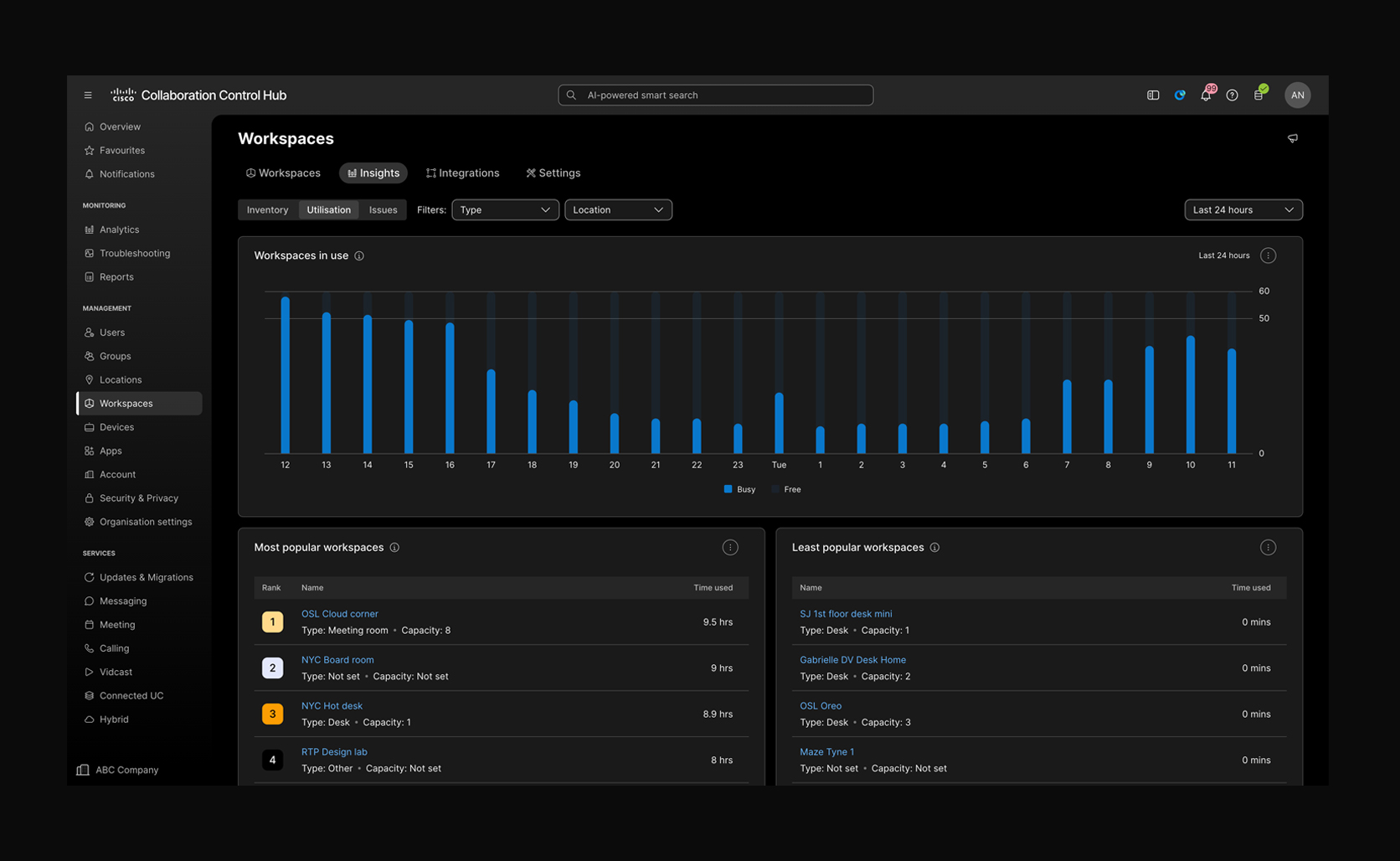
Cisco adds device and workspace management expanding the admin dashboard on Zoom Admin Portal. It provides capabilities for device onboarding, configuration, health monitoring, alerts, and remote diagnostics. Administrators can examine supported accessories and connected peripherals alongside the main video device, including Cisco AV over IP components. Picture the possibilities:
- Cisco ThousandEyes agents running on Cisco devices means continuous assurance as you no longer need to guess if a quality issue is down to a network anomaly – you get visibility of the full network path, available via Collaboration Control Hub. So, reports of a poor meeting on a Tuesday morning is something you can understand and act on immediately.
- For IT and AV teams, the operational question becomes whether the room as a whole is ready for its next meeting. Admins can review device and peripheral health, investigate alerts, and use remote access to support the space. Across a deployment, AI-assisted monitoring, agentic diagnostics, and workspace insights help teams operate consistently and prioritize the rooms that need attention.
- And with Cisco devices, your team can leverage digital twins of your rooms with Workspace Advisor — the same capability all our device customers benefit from, now also available with Cisco Devices for Zoom Rooms. On-device AI generates a digital replica of your workspace in Control Hub that allows you to understand and in many cases remedy issues without ever having to send an engineer on site.
Bring workspace intelligence into your AI workflows
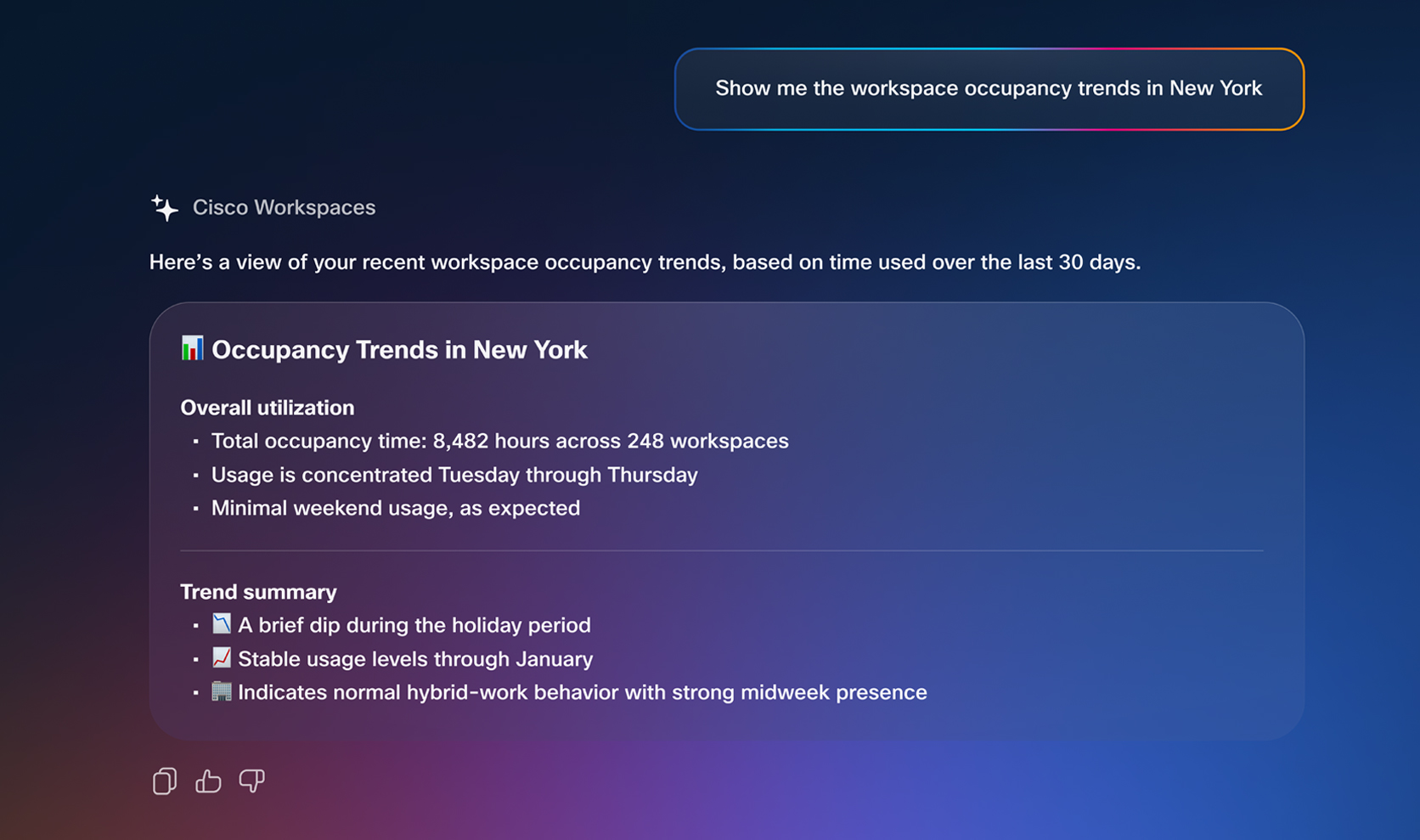
Cisco Workspaces MCP extends device and workspace insights into compatible AI tools and agentic platforms. It gives admins another way to query workspace and device health, review event history, compare configurations, and examine utilization or environmental signals.
For example, an admin can ask which rooms need attention that morning or build a repeatable health briefing in a compatible platform. They help teams gather context and prioritize investigation, while Control Hub remains the source of truth for workspace and device management.
Design your Cisco-powered Zoom spaces today
With native Zoom Rooms now on Cisco devices from the October 2026 RoomOS release, you can start planning new Zoom-enabled spaces that meet advanced management and security requirements, prepare for a technology refresh with industry-leading hardware, or extend the value of your existing Cisco device deployment. With this native integration, any organization who has standardized on Zoom Rooms can rely on the most trusted and secure collaboration hardware brand in enterprise IT.
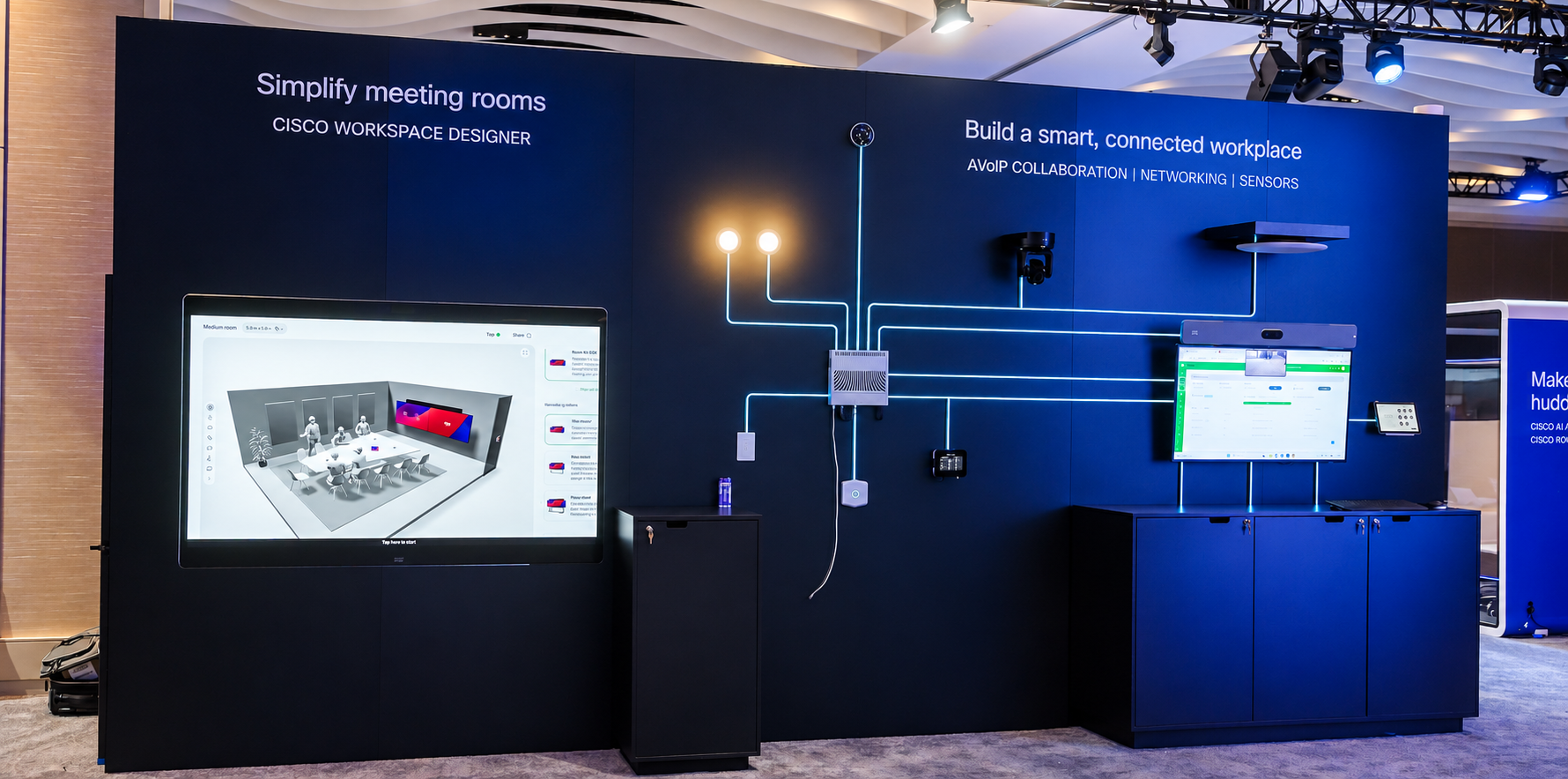
Start with your own space. Visit Cisco Workspace Designer to explore Zoom Room designs, visualize your layout in 3D, and plan the Cisco technology that aligns with your use cases and design standards.
About The Author